
Pokopia Multiplayer & GameShare: How Visiting Works
Local wireless, online visits and GameShare — Pokopia owners can invite players who don't own the game, even on the original Switch.
FAQ
Does Pokopia have multiplayer?
Can friends play Pokopia without owning it?
Does Pokopia GameShare work on Switch 1?
Can you play Pokémon Pokopia with friends?
Yes — town visits run over local wireless or online. Nintendo’s store listing confirms both paths: friends drop into your world (or you into theirs) to look around, meet the neighbors and see the habitats you’ve built. It’s visit-style co-op in the Animal Crossing tradition rather than shared progression — exactly how much guests can interact with is still being documented.
What is GameShare and why is it a big deal?
GameShare lets a Pokopia owner host players who don’t own the game at all — and it works across to the original Switch. That’s the official store description’s standout line, and it’s rare for a Switch 2 exclusive: one purchased copy can effectively demo the game to friends on older hardware. In practice it means the social gate isn’t “did everyone buy it” but “does one of us own it”.
Exact session limits and what guests can interact with are areas still undocumented — we’ll update this page once Nintendo publishes full GameShare documentation.
How do visits interact with the Expansion Pass?
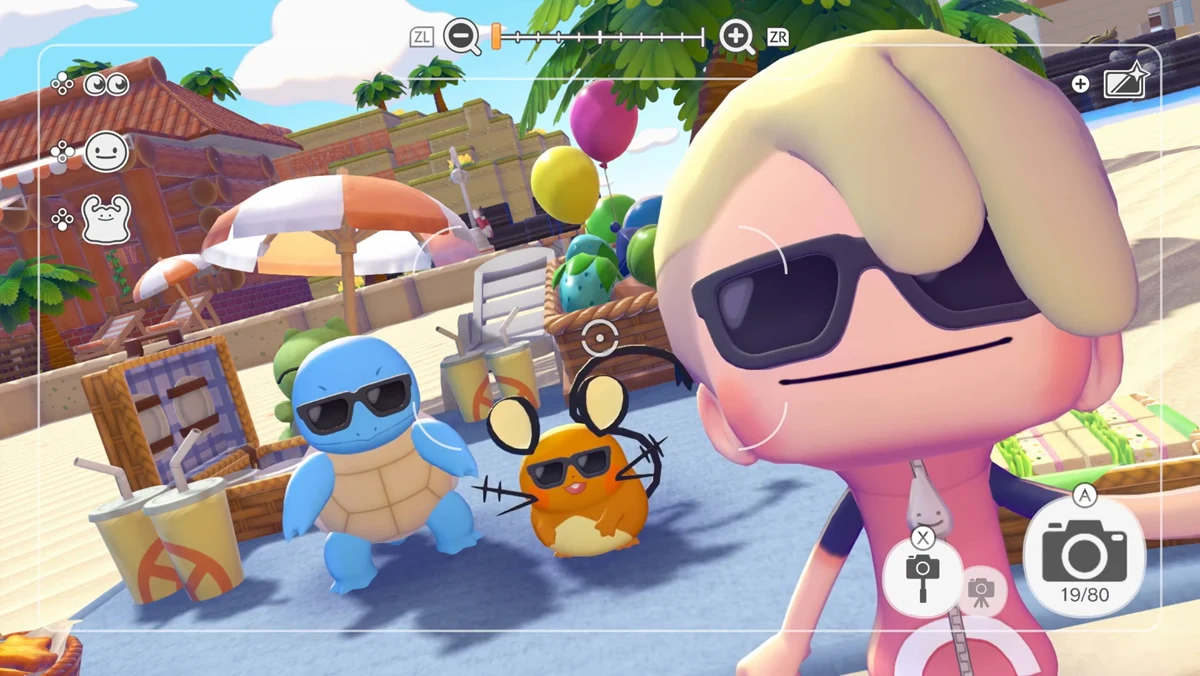
The paid underwater town, Bubbly Basin, is built for showing off — floating buoyant-block architecture and Sharpedo-driven submarines photograph well. Whether GameShare guests can enter DLC areas without owning the pass isn’t officially spelled out yet; we’ve flagged it on the Expansion Pass tracker and will confirm at Part 2’s launch.
What can you actually do together?
- Tour towns — habitats, custom builds and decorated interiors are all visible to visitors.
- Build together in the sandbox town — the renameable town west of the starting area (see all areas) is where shared sessions happen; recent event notes direct multiplayer events to a “fresh town” like it rather than your campaign saves.
- Take photos — photo mode is a first-class feature; Part 2’s accessories (sunglasses, bowties, ribbons) add dress-up potential. See the Part 2 page for what’s coming.
- Show off event hauls — Mystery Gift furniture like the current code’s resort set displays in your town for guests to see.
Is cross-play confirmed?
Local wireless and online visits are confirmed by Nintendo. A persistent shared-world mode, trading between towns, and cross-generation online play are not officially documented — treat any such claims as unconfirmed until the Part 2 window brings patch notes.
Sources
This article was compiled with AI assistance and checked by the site operator against the sources linked on this page — it is not based on first-hand play. Last checked: 10/12/2026. Editorial policy
Related Articles
All Pokopia Events: Schedule, History & How Limited-Time Events Work
Every limited-time Pokopia event since launch — Hoppip through Apples to Applin — with dates, currencies, rewards and how events work.
Last checked Nov 17
Pokopia Pumpkaboo's Sweet Surprises Event: Dates, Rewards & How to Play
Pumpkaboo's Sweet Surprises runs Oct 17 – Nov 1 — collect Pumpkin Candy, trade it for spooky furniture, and befriend Pumpkaboo and Gourgeist.
Last checked Oct 12
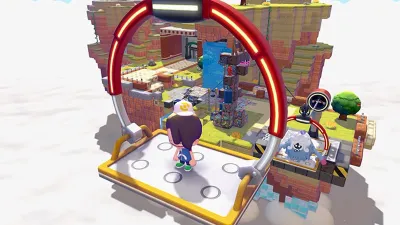
All Pokopia Areas: Every Town, How to Unlock Them & Trainer Rank
All five Pokopia areas explained — Withered Wasteland, Bleak Beach, Rocky Ridges, Sparkling Skylands and Palette Town — plus Trainer Rank gating.
Last checked Oct 12
Was this helpful?
Thanks for the feedback!